 中文 | CNY
 English | USD
 Русский | RUB












1. login account
First open the official Facebook website, enter your account and password to log in, and enter the home page.
2. enter the setting page
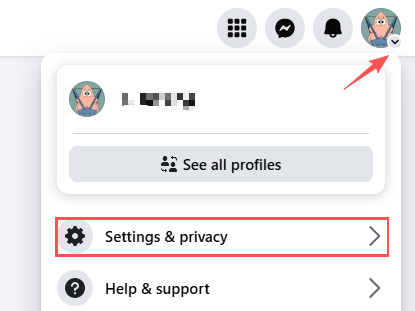
Click the avatar icon in the upper right corner of the page, and click Settings and Privacy in the menu "
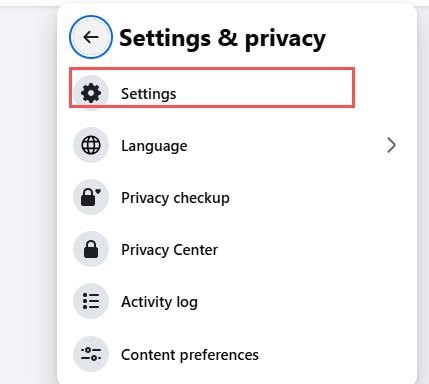
Select "Settings" to enter the settings page.
3. Enter the account center
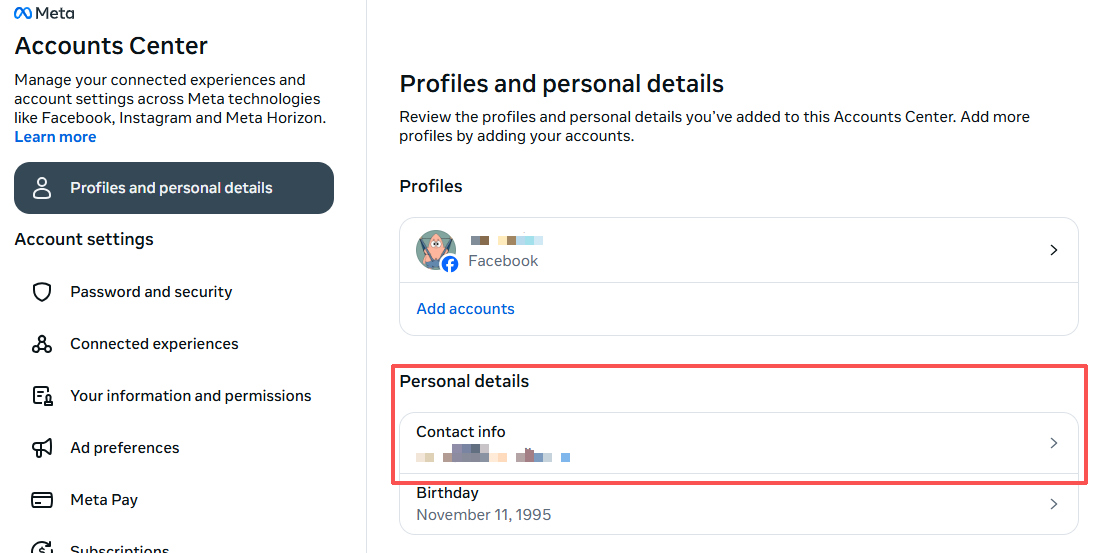
In the left menu, enter "Account Center" and select "Contact Information" in the personal details section on the home page
4. Add mobile phone number
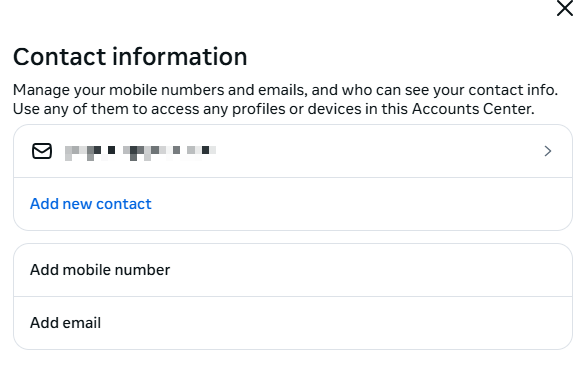
Select add new contact information in "Contact Information" and click "Add Mobile Phone Number"