 中文 | CNY
 English | USD
 Русский | RUB












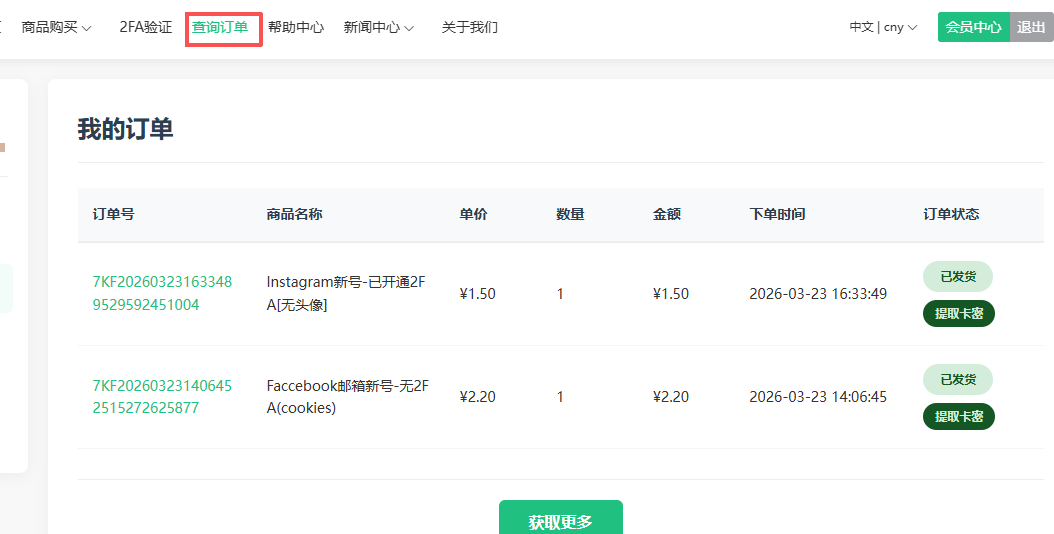
1. Open the order query or email and extract the account password
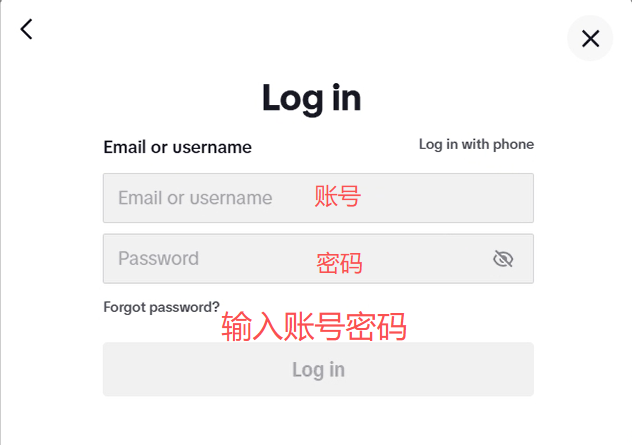
2. Open the website and enter the account number and password
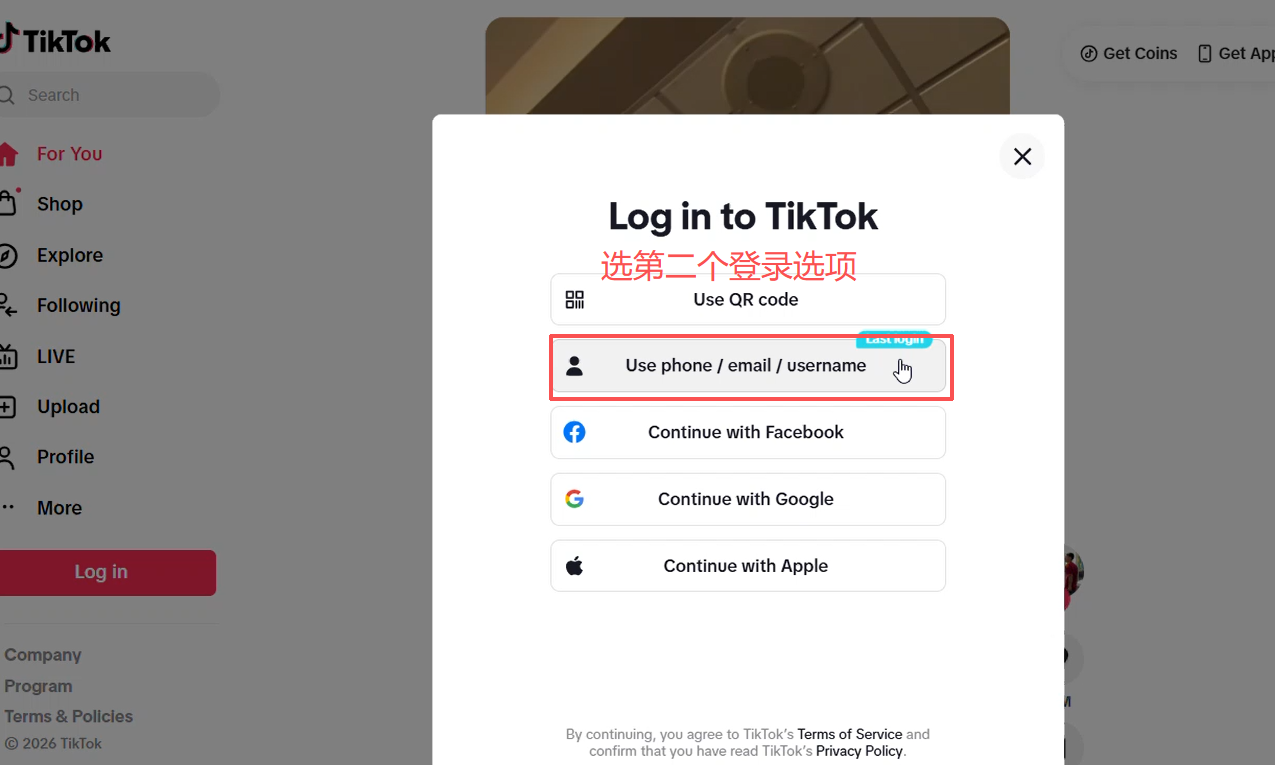
Click Login, select mobile phone or account to login, and then click Next
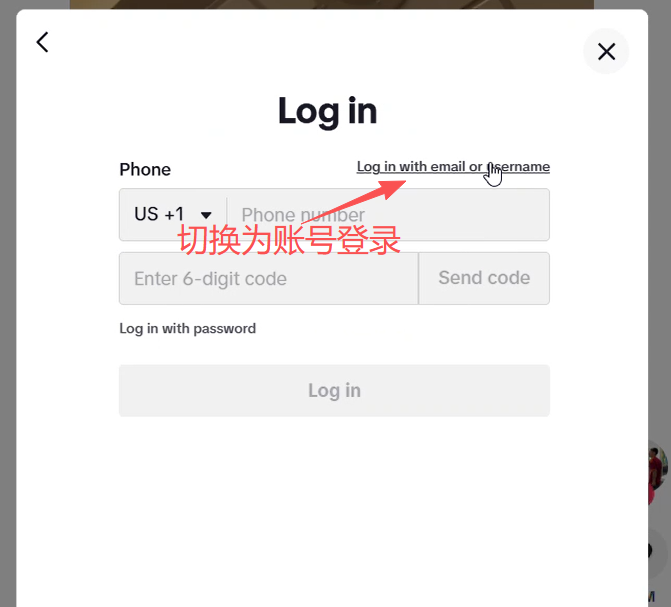
Click in the upper right corner of the login page to switch to account password login
3. Perform mailbox verification
Enter the account and password and click login to enter the next verification step
Click the email to send the Captcha
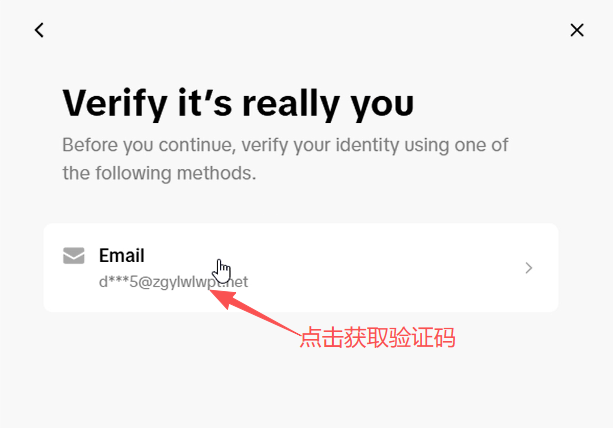
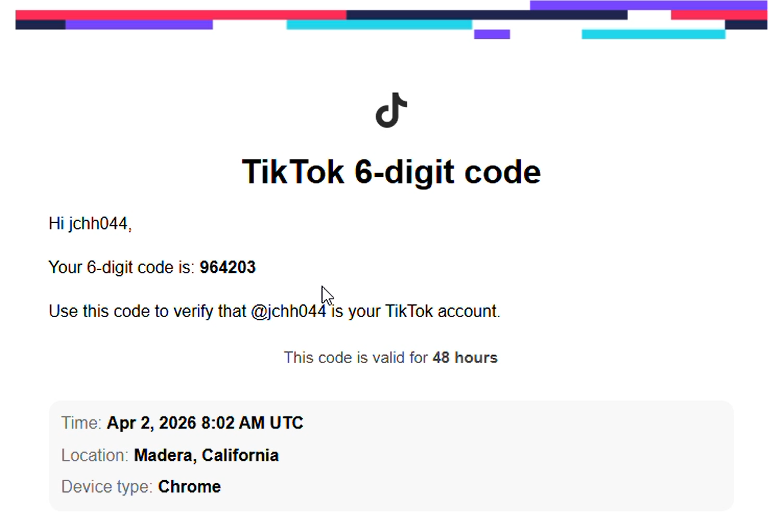
4. Log in to the mailbox or create a new web window and enter the mailbox token link to obtain the Captcha. After entering the Captcha, you will be able to log in successfully.